


Electric Lift
Electric Lift
Couldn't load pickup availability
Electric flexibility for one or two Custom 600 panels. The Cell Glow Electric Lift combines a sturdy build with remote height control and a 360° rotating arm. Set up your panels for seated, standing or lying-down sessions.
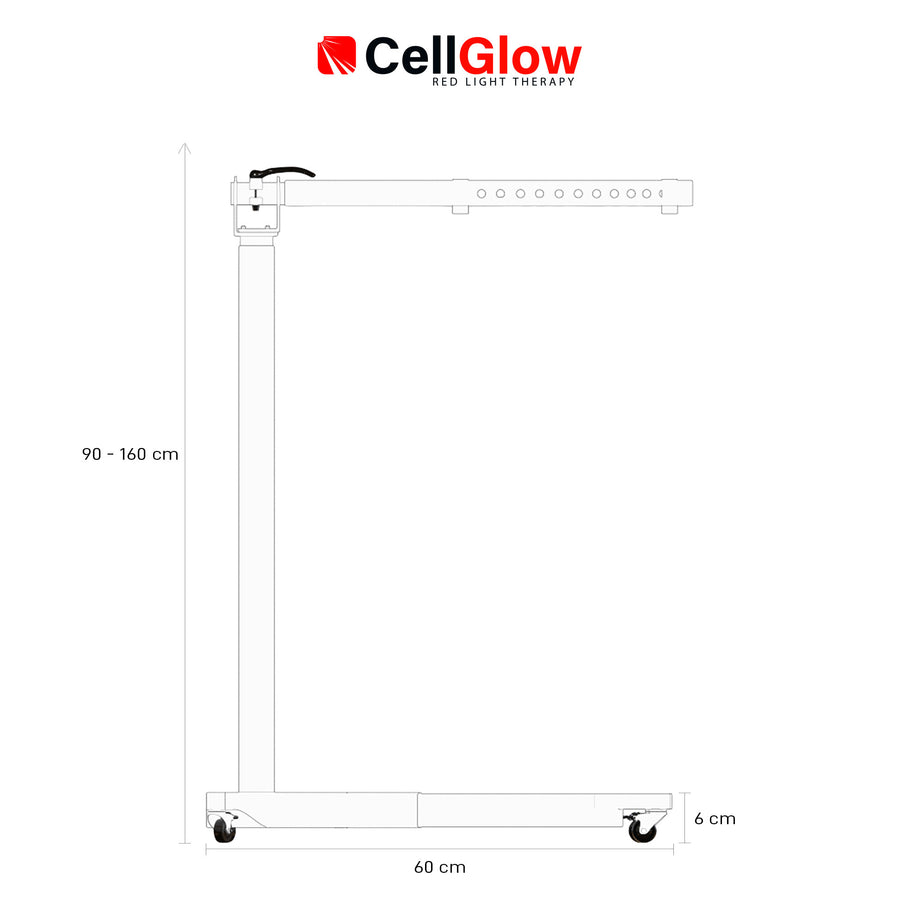
- Electric height adjustment: use the remote to move the lift from 90 to 160 cm, a 70 cm range.
- Three memory positions: save your preferred heights and recall them with one button press.
- 360° rotating arm: turn the panel from vertical to horizontal and lock the arm in place.
- Flexible positioning: use the panel while seated, standing or lying down.
- For one or two Custom 600 panels: adapt the lift to your panel setup.
- Braked wheels: move the lift easily and lock it in place before use.
Specificaties
Specificaties


DETAILED INFORMATION
One lift. Every position.
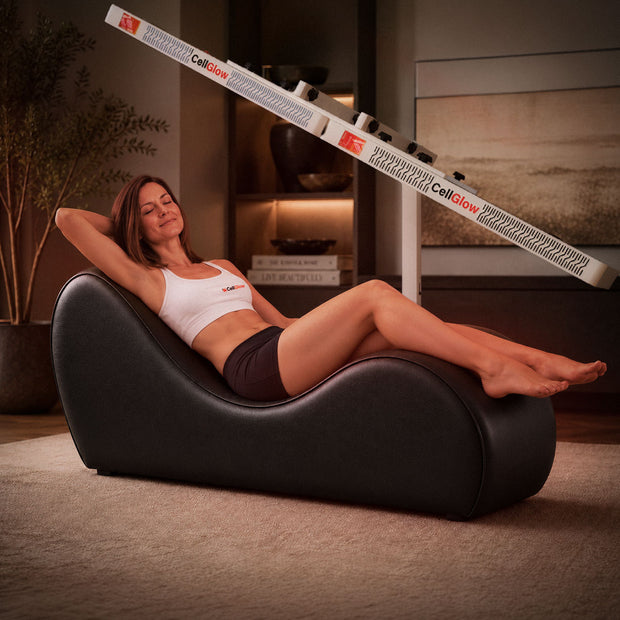
Raise one or two Custom 600 panels at the touch of a button. The rotating arm lets you choose a setup for seated, standing or lying-down sessions.
01 / POSITION
From vertical to horizontal.
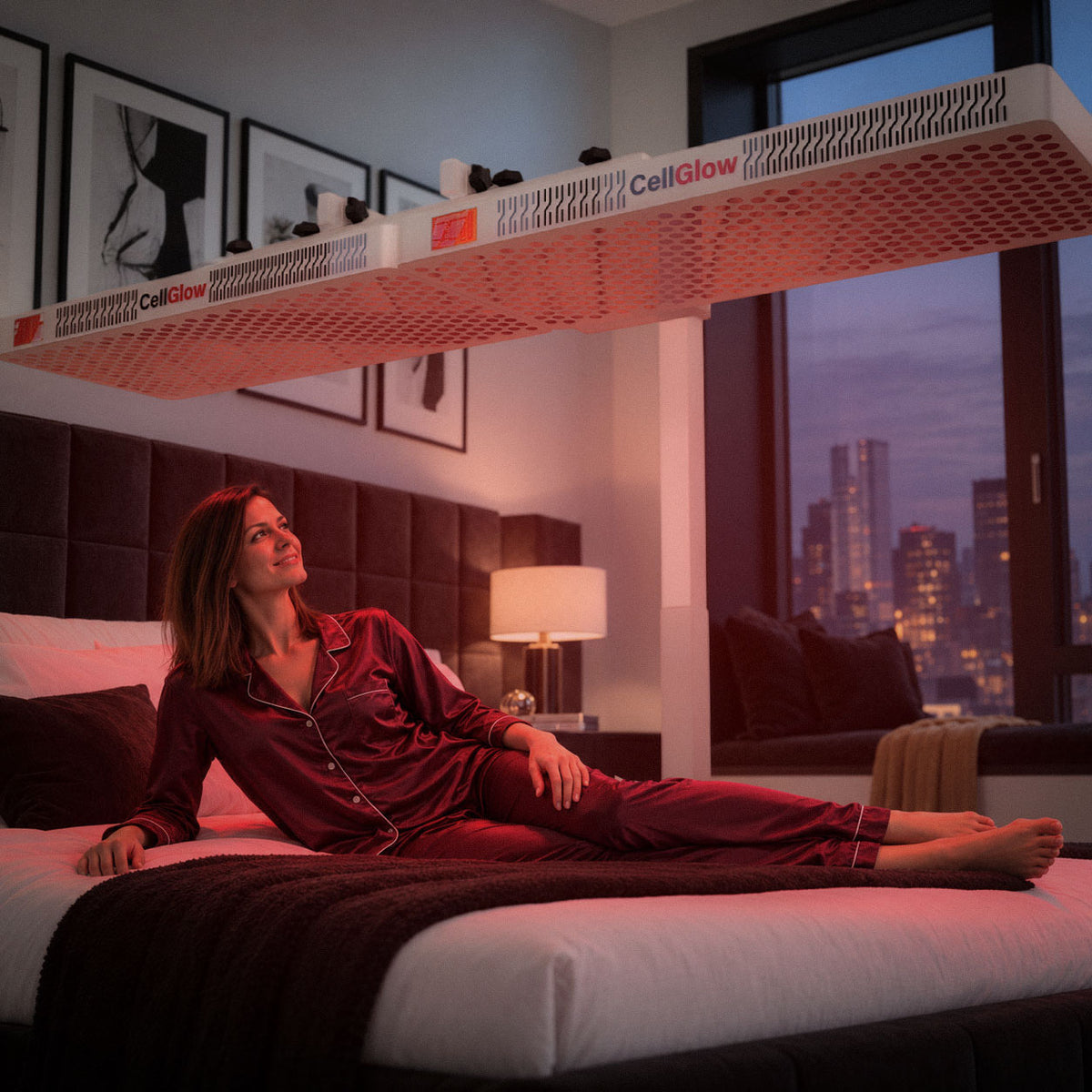
Rotate the arm through 360° and point your panel where your session needs it: upright while standing, lower while seated, or horizontal above a bed or treatment area. Lock the arm in the chosen position.
02 / CONTROL
Your height, at the touch of a button.
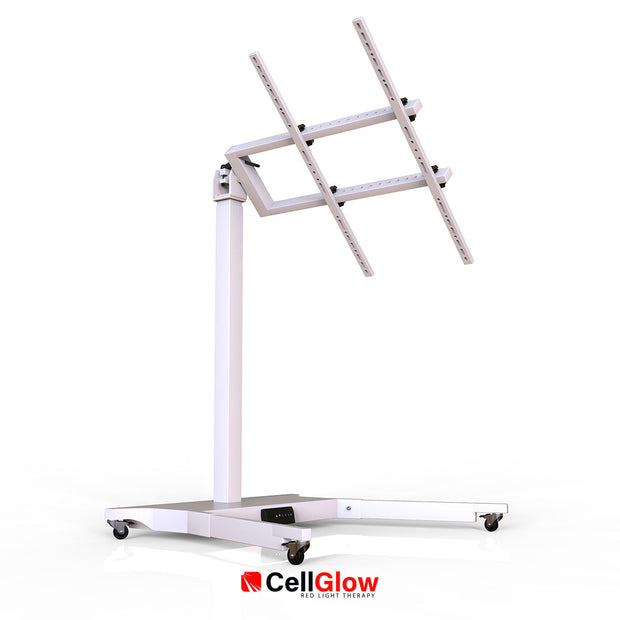
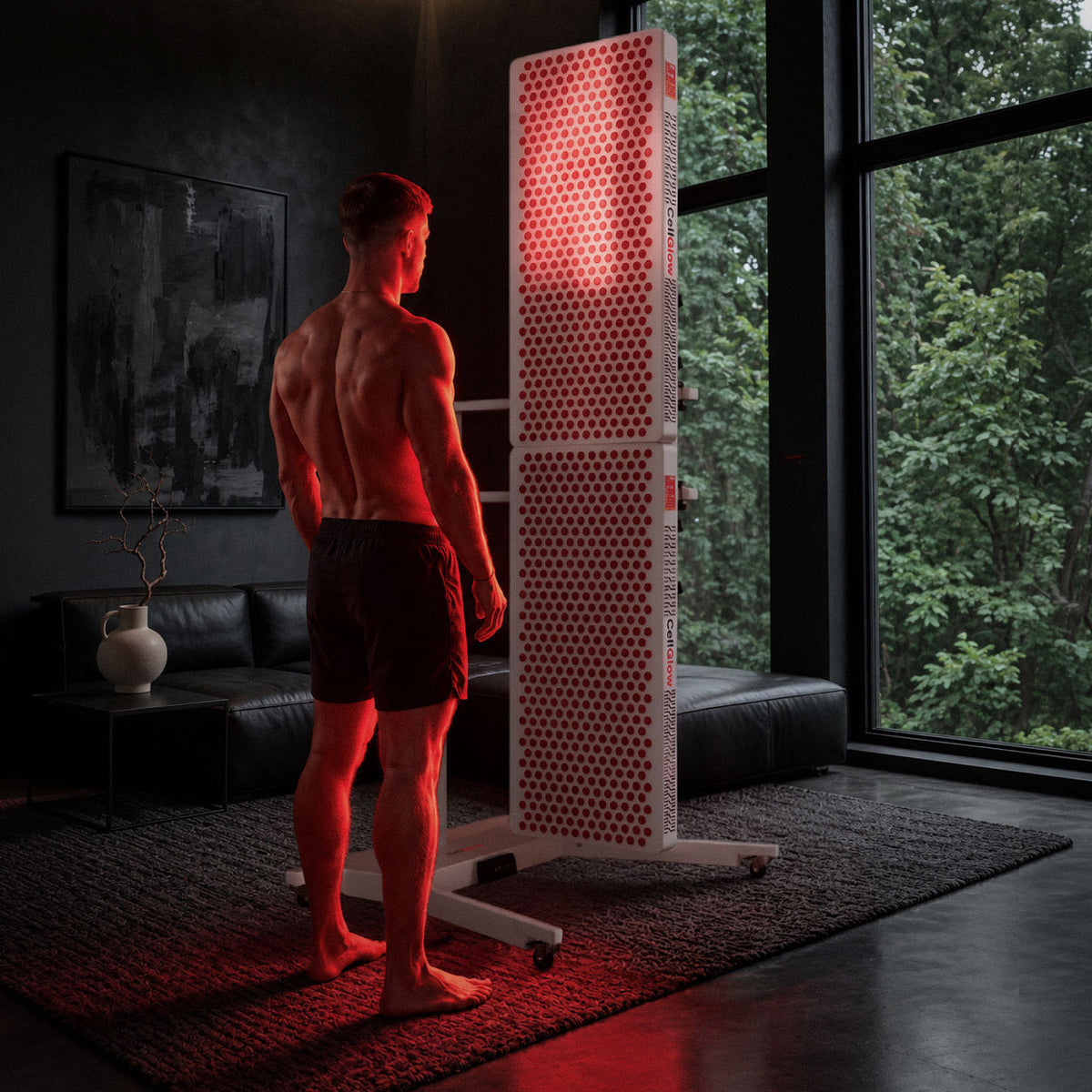
The electric control moves the lift from 90 to 160 cm. Save three preferred heights, then send the lift to your chosen position with a single button press.
Useful when you switch between lying-down, seated and standing setups.
03 / STABILITY
Move it when you need to.
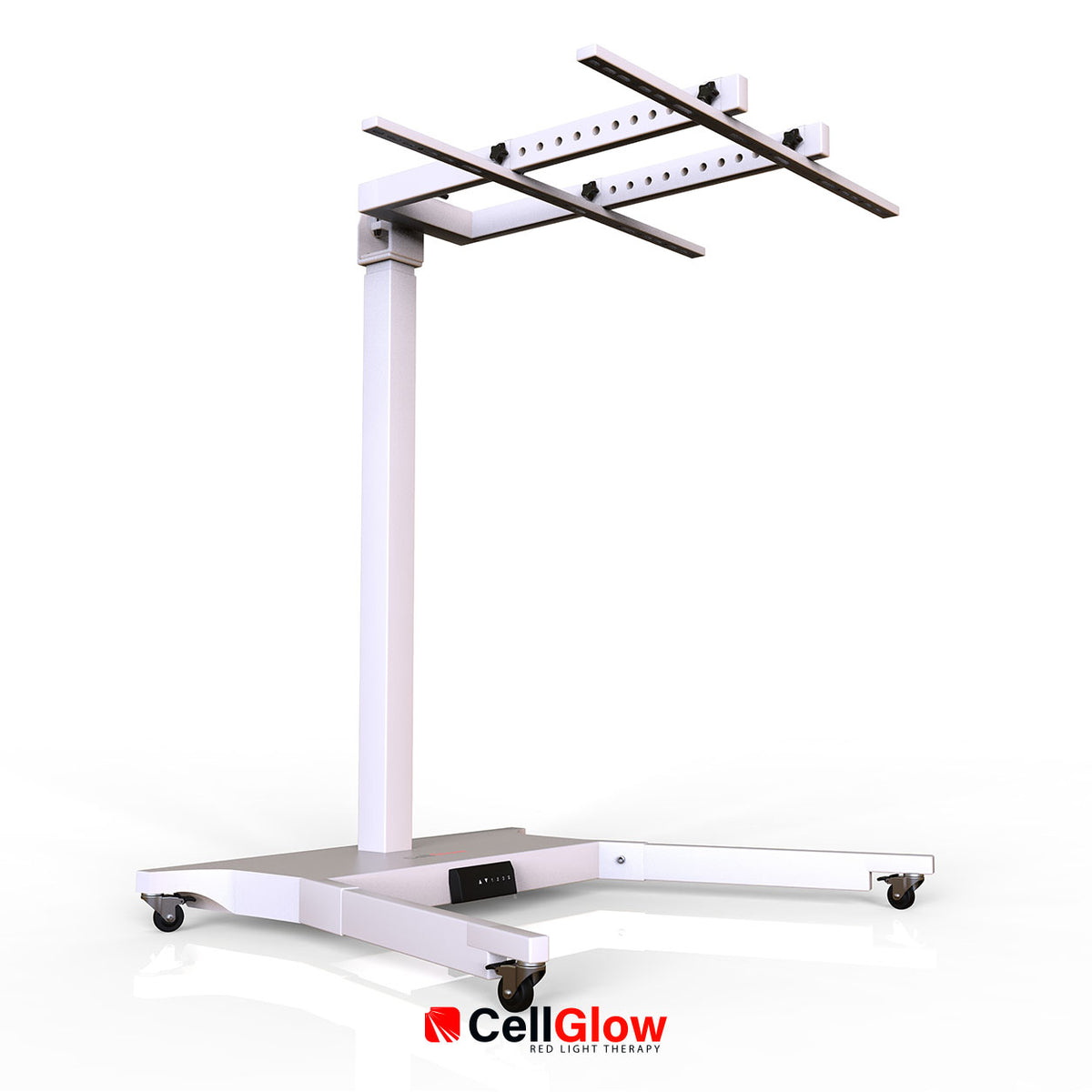
The sturdy base rolls to the place where you want to use the lift. Apply the wheel brakes before using the panel. The mounting arms hold the panel in your chosen direction.
DIMENSIONS
See the space you need.
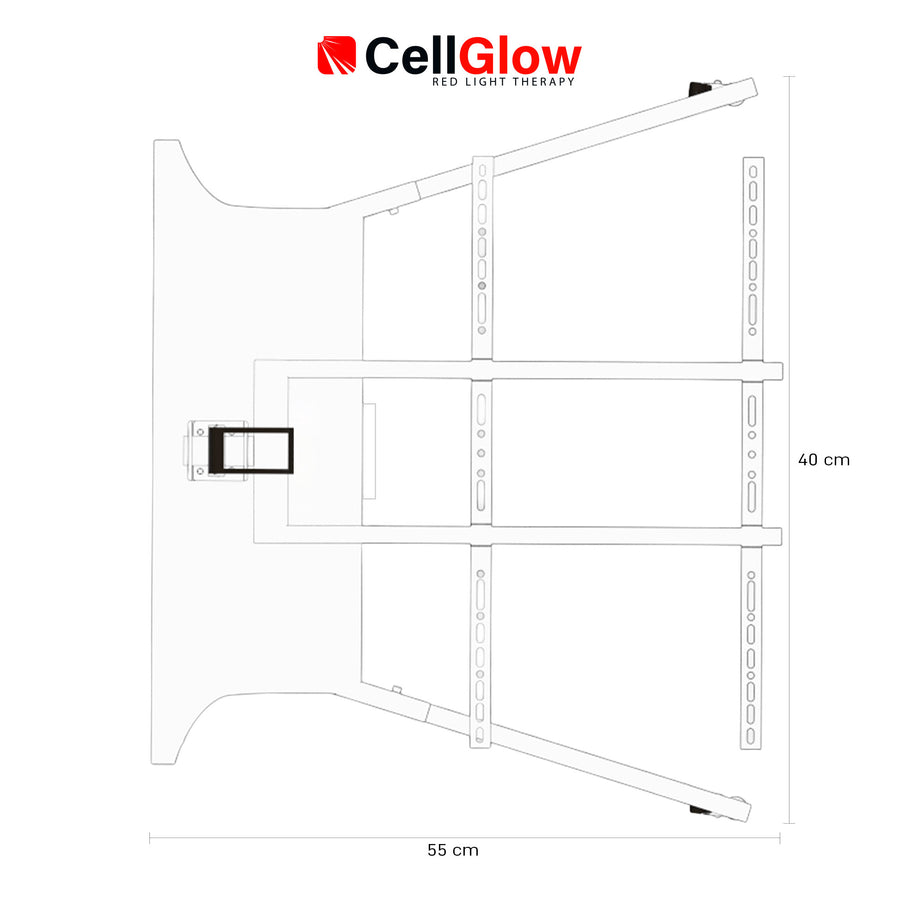
The dimension drawings show the adjustable height and the base measurements. Check your available space and the position of your bed or sofa before placing the lift.
PAIR WITH CUSTOM 600
Give your Custom 600 a flexible place.
The electric lift supports one or two Custom 600 panels. Position them vertically or horizontally and adjust the height to suit your space and routine.
Explore the Custom 600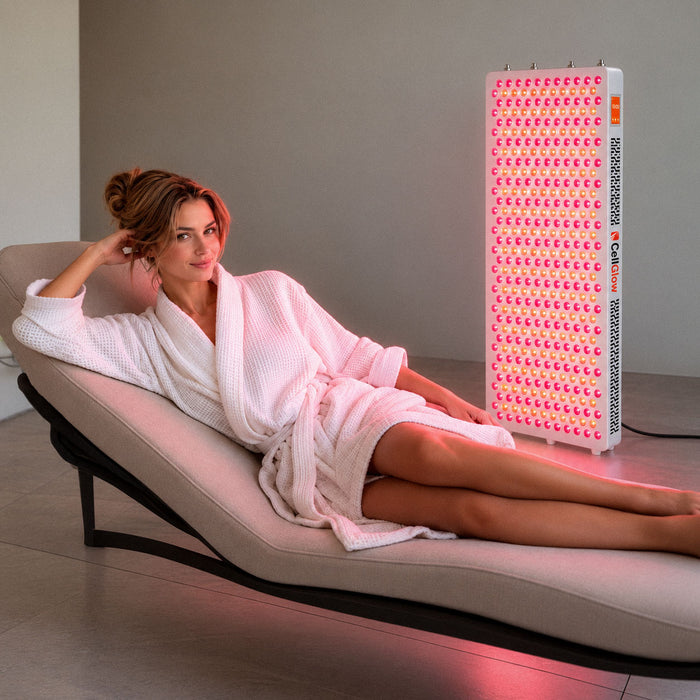
FAQ
Frequently asked questions
Answers about this product and everyday use.
How many Custom 600 panels can I mount?
What is the height range?
How is the lift controlled?
Still have a question? Ask us ↗